gpt2pdf: Convert Your Chats into PDF
gpt2pdf is a Chrome extension developed by akashhuyaar that allows you to effortlessly convert your chat conversations with ChatGPT into PDF files. With this handy tool, you can easily save your conversations for later reference, sharing, or printing.
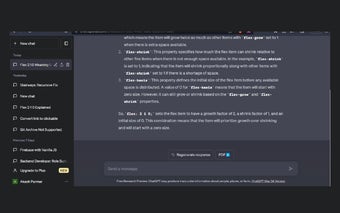
Using gpt2pdf is simple. Just install the extension and open your chat conversation with ChatGPT. You can either use the keyboard shortcut Ctrl+Q or click on the "PDF⬇" button provided by the extension. This will open the content to be downloaded in a new tab and execute the print command. All you need to do is hit the save button in the print dialogue box, and your chat conversation will be saved as a PDF file.
This Chrome extension is currently available for free, making it accessible to all users. If you have any inquiries or are interested in building a similar extension, you can contact the developer directly.